

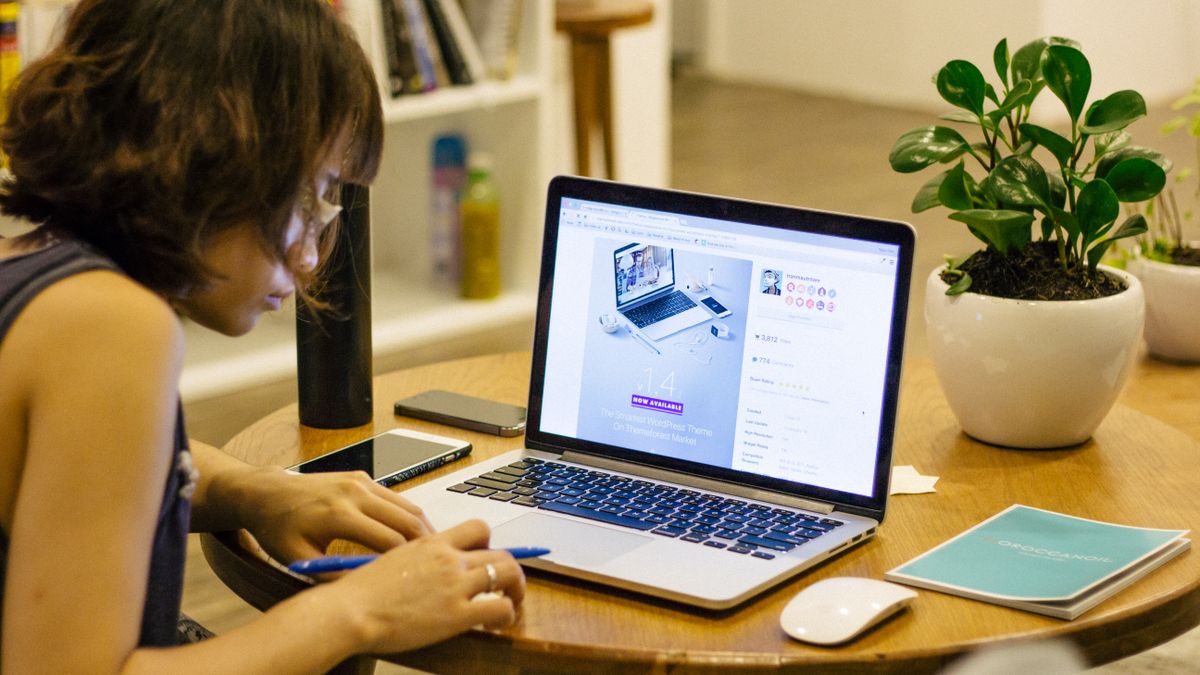
Winning a remote job interview comes down to mastering your tech, your surroundings, how you communicate, and your composure well before the video call even starts.
A remote interview may look like a simple video chat, but it’s evaluating far more than your answers. Recruiters are quietly judging whether you can communicate clearly without the usual body-language cues, handle your own technical setup, and come across as professional through a screen. That means a frozen webcam, a messy background, or spotty Wi-Fi can sink a great answer just as fast as a poor one.
The upside is that most of what makes a remote interview go well is entirely within your control. Testing your gear, practicing out loud, and dressing appropriately together take under an hour, yet they eliminate the exact issues most likely to distract an interviewer or rattle your own nerves mid-conversation.
This guide splits the process into clear steps: your technical setup, your environment and appearance, how to give answers that land well on camera, and what to do in the last few minutes before logging on. The fundamentals hold whether you’re going for an entry-level support job or a senior remote position.

Job Interview Mistakes You Should Avoid
A careless comment, a glance at your phone mid-conversation, or a flat closing question can quietly torpedo an offer you were otherwise on track to get.…
Read the Full Guide →Your Home Is Now the Lobby
Every inch the camera picks up counts toward your first impression.
📶 Stable Wi-Fi
🧭 Quiet Space
🗣️ Clear Speech
⏰ Ten Minutes Early
Test Your Technology Days in Advance
Don’t leave it until interview morning to find out your webcam app needs an update. A couple of days ahead of time, hop on a test call with a friend using whichever platform the employer specified, be it Zoom, Microsoft Teams, or Google Meet. Look at your camera angle, lighting, and audio, and make sure the software is current so you’re not installing updates minutes before you’re supposed to log on.
Line up a backup plan too: a phone hotspot in case home internet drops out, the interviewer’s phone number if you’ve got it, and headphones handy to cut down on echo or noise. Shut down every unneeded browser tab and app beforehand, since a random notification sound or a freeze caused by twenty open tabs can throw off your momentum at the worst possible time.
Set the Scene Like It’s an Office
Pick a plain, tidy backdrop, or lean on a simple blur effect if your space is genuinely messy. Raise your camera to eye level, stacking books underneath if you need to, since a laptop tilted upward from a desk is one of the most common — and easiest to fix — remote interview slip-ups. Position yourself facing a window or lamp rather than having the light source behind you, so your face is lit instead of shadowed.
Dress professionally from top to bottom, not just what’s visible on camera. Interviewers sometimes ask candidates to stand up or grab an item, and scrambling in pajama bottoms breaks the professional mood fast. Silence your phone, give housemates or family a heads-up about your interview window, and keep pets in another room if they tend to bark or wander into view.
Prepare Answers That Translate Well on Screen
Video removes some of the natural back-and-forth rhythm of an in-person chat, so speaking a bit slower and more clearly reads better than rushing through answers. Rehearse your responses to standard prompts, like “walk me through your resume” or “why do you want to work remotely,” out loud rather than just in your head, so your words come out naturally instead of sounding rehearsed.
Since remote positions rely heavily on self-direction, expect extra questions about how you organize your time, avoid distractions, and stay in touch with a team you rarely see face to face. Keep two or three concrete examples ready, such as a project you tracked solo with a tool like Trello or Asana, or a moment you flagged an issue to a manager before it turned into a bigger problem.
Close Strong and Follow Up Fast
Have a few thoughtful questions ready about how the team communicates, like how often they rely on video calls versus async messages, and which tools they use daily. This shows you’ve genuinely thought about what remote collaboration involves, not just that you’re trying to avoid a commute.
Send a brief thank-you email within a day, mentioning one specific point from the conversation. Most US remote hiring processes still run two to four rounds, so treat this first call as a single strong step and use it to gather information that sharpens your answers for whatever comes next.
Remote Interview Prep Checklist by Timing
| Timing | What to Do | Why It Matters | Pro Tip |
|---|---|---|---|
| 3-5 days before | Dig into the company and the role | Gives your answers real, specific grounding | Check recent company news or product launches |
| 2 days before | Run a complete tech test call | Surfaces software or hardware problems early | Use the exact platform named in the invite |
| 1 day before | Say your answers out loud | Builds natural delivery instead of a script | Record yourself once and watch it back |
| 1 hour before | Arrange lighting, background, and outfit | Cuts down visual distractions on camera | Face a window or lamp, not have it behind you |
| 10 minutes before | Log in early and mute notifications | Prevents a rushed, flustered start | Keep water and your resume within reach |
| During the call | Look into the camera, not the screen | Mimics natural eye contact | Place a sticky note near the lens as a reminder |
| Within 24 hours after | Send a personalized thank-you note | Reinforces your interest and staying power | Mention one specific topic you discussed |
Quick Tips for Remote Interview Day
- Log in five to ten minutes ahead of time in case something technical goes sideways.
- Keep an open or printed copy of your resume and the job posting close by.
- Plug into a wired connection instead of relying on Wi-Fi if that’s an option for you.
- Mute yourself whenever you’re not talking during panel interviews to cut background noise.
- Nod and smile naturally; on camera, small engagement cues carry more weight than usual.
- Keep water nearby so a dry throat never throws off your pacing.
Frequently Asked Questions
What should I do if my internet cuts out mid-interview? Stay calm, reconnect right away, and if you have the interviewer’s phone number or email, send a quick note explaining what happened. Most interviewers are understanding about connectivity issues and will just pick up where you left off.
Is it okay to use notes during a remote interview? Short bullet points taped near your camera, like key achievements or questions you want to ask, are perfectly fine. Just don’t read from a full script, since it tends to sound unnatural and interviewers usually notice.
Should I dress the same as an in-person interview? Yes, dress exactly as you would walking into that company’s office, lower half included, in case you’re asked to stand or the call goes longer than planned.
How do I handle interruptions from kids, pets, or roommates? Acknowledge it briefly with a light, professional comment if it happens, then steer the conversation back on track. Most interviewers understand, especially at remote-first companies used to seeing home environments on camera.
What is the biggest difference between remote and in-person interview questions? Expect more emphasis on self-management, written communication, and staying accountable without daily in-person oversight, since those skills are critical for thriving on a distributed team.
Where should I look during the video call? Look at your camera lens rather than the interviewer’s face on your screen whenever you’re the one talking. It feels strange at first but comes across as natural eye contact on their end.
Ready to put these remote interview strategies into practice and land your next role?
